The Arrival app · iPhone, iPad, Android
Everything you need before you land, in one app.
Documents encrypted on the phone itself — there is no upload endpoint to send them to. Deadlines built from your own dates and visa route. Guidance that cites the government page it came from.
Mobile beta opening soon · the web app works today · no card required
14
Destination countries
14
Published guides
14
Checklist templates
0
Documents leaving your device
The app · iPhone, iPad, Android
This is the whole product, on your phone.
Arrival is a mobile app first. Your documents are encrypted on the device itself, your deadlines come from your own dates. An Arrival account is required to use the app. The website is for reading and planning — the app is the thing you carry through the airport.
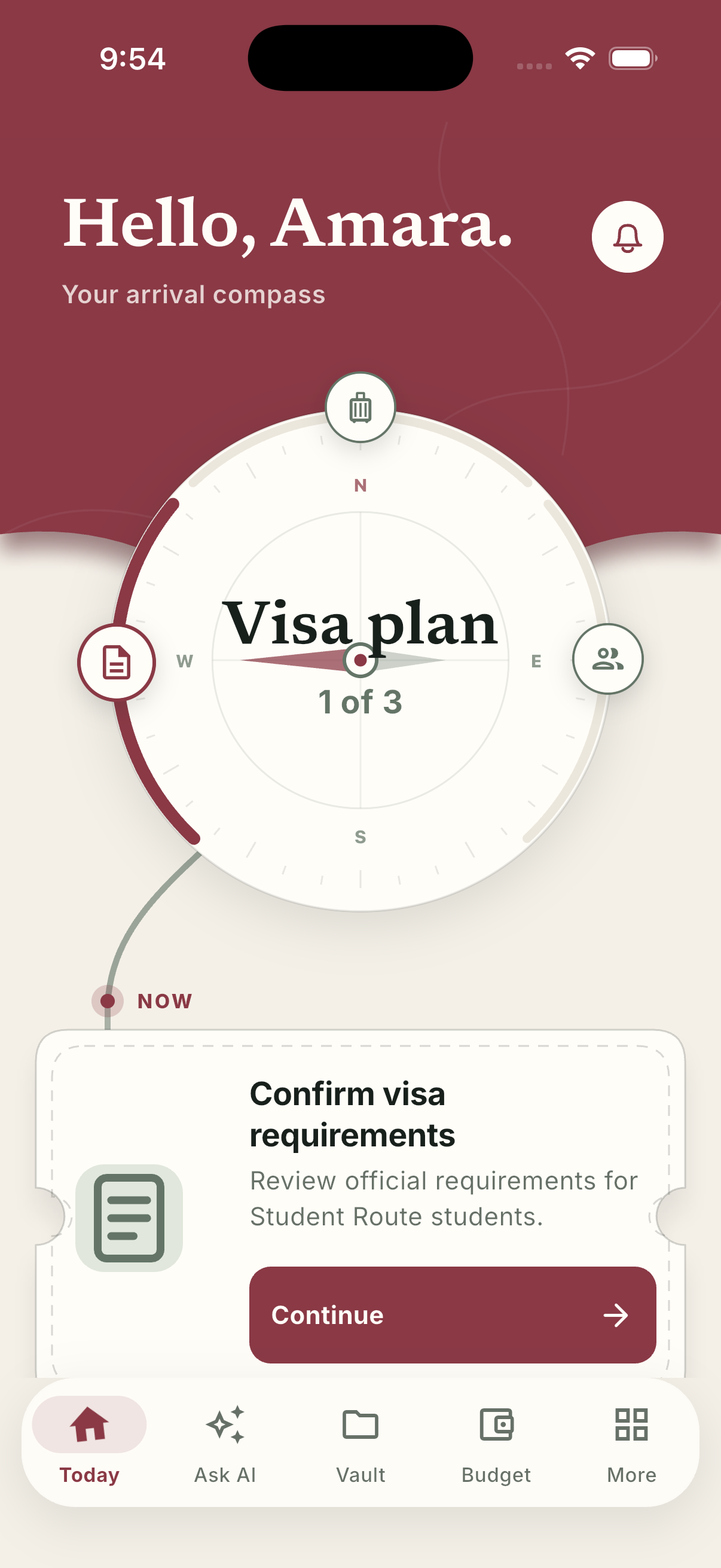
Today
The Arrival Compass puts you at a stage, then hands you the one task that unblocks the rest.
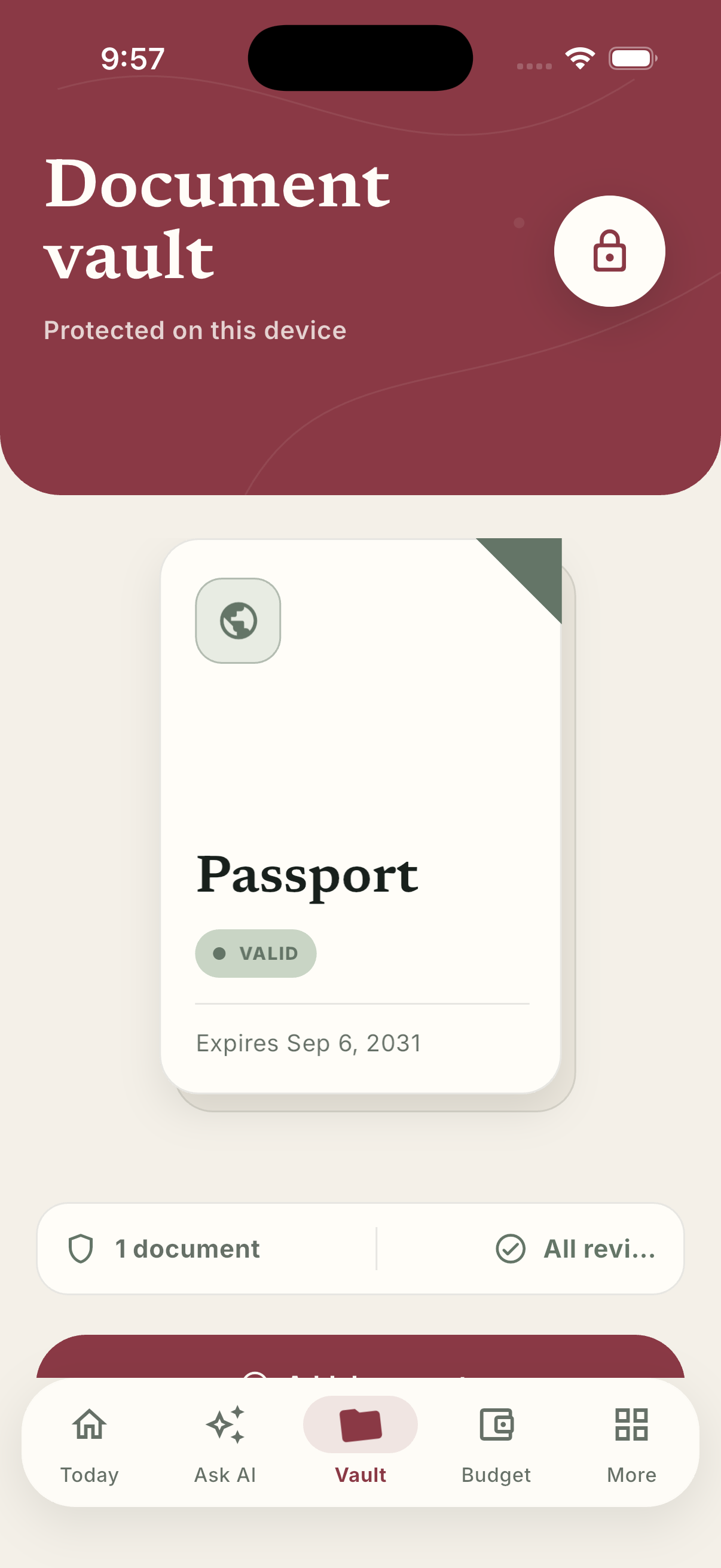
Vault
Passport, visa, offer letter — encrypted on the device, with expiry dates tracked so none of them lapse quietly.
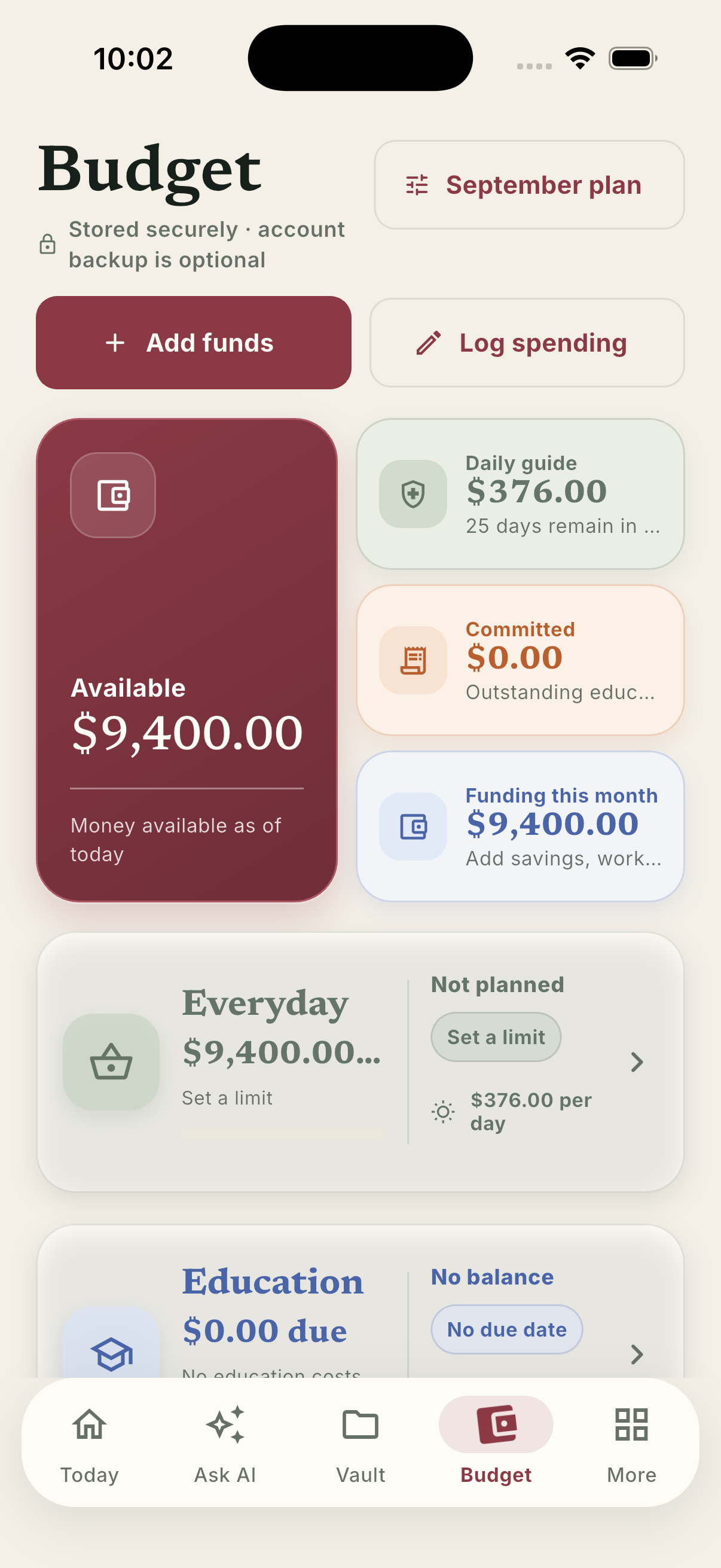
Budget
Funding, committed costs, and a daily figure that survives the first-month spike. Decimal-safe arithmetic throughout.
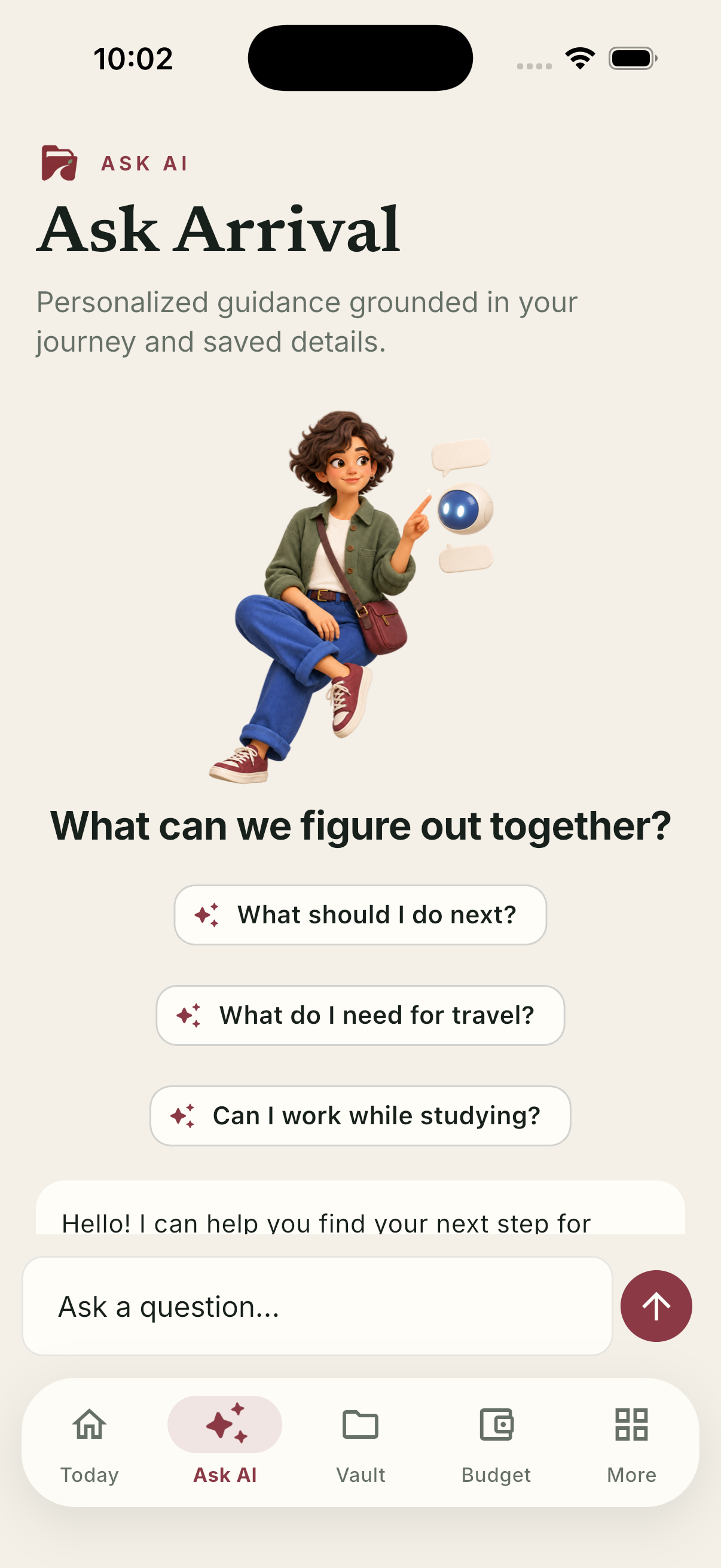
Ask Arrival
Answers grounded in your own journey, redacted before any cloud model sees them, and cited to the official page.
The journey · scroll to advance
01
Before you apply
Country requirements and university details, with the documents each destination actually asks for.
Directory · Guides
02
The visa run
Applications, appointments, and evidence deadlines — derived from your own dates and your destination's rules, not a generic calendar.
Deadlines · Reminders
03
Packing the file
Every document encrypted on your device. Expiry dates tracked so none of them lapse quietly.
Vault
04
Money, honestly
Tuition, fees, loans, rent, and the first-month spike nobody warns you about — in both currencies.
Budget · Loans
05
Landing week
Arrival, bank account, phone, campus check-in. Ordered by what blocks what.
Checklists
06
Staying current
Policy changes filtered to your visa type and country, each linked to the official source.
Visa news · Advisor
What it does
Four things, done properly.
A vault that never phones home
Passport, admission documents, financial statements. Encrypted with AES-256-GCM on your own device — there is no upload endpoint, because there is nothing to upload to.
Read moreDeadlines that know your visa
Reminders built from your program dates and visa type, not a one-size calendar. Every date is checkable against the source that set it.
Read moreBudgets in both currencies
Decimal-safe arithmetic across tuition, fees, loans, and living costs, shown in the currency you think in and the one you'll spend in.
Read moreGuidance that cites its source
Every answer carries the official page it came from and the date it was last reviewed. Where the rules are unclear, it says so and points you to your university's international student office.
Read moreFourteen destinations
Wherever you are going, not just America.
Arrival knows the visa routes, the documents, and who to escalate to for each of these. Spin the globe, or pick from the list — they go to the same place.
The privacy promise
Your passport never leaves your phone.
Your document files are encrypted on your device and stay there — that is what local-first means here, and it is the only thing it means. Your account syncs everything else, so your checklist, budget, and deadlines follow you to a new phone. Your paperwork does not.
- AES-256-GCM encryption for local state and files
- No document upload endpoint exists, on any surface
- Immigration questions are redacted before any AI ever sees them
- Delete your account and the server copy goes with it
Document vault
On device
Metadata like expiry dates syncs so reminders work across your devices. The files themselves do not.

Who this is for
The part before the good part.
Nobody moves country for the paperwork. Arrival exists so the months of forms, fees, and deadlines take as little of your attention as they possibly can — and so nothing falls through while you are busy being nervous about the rest of it.